

Download Firefox Lockwise – Password Manager, Secure Login, Cross-Device Sync
Overview
Foxi Lockwise is a password management utility designed to help users securely access and manage their login credentials across multiple devices. The software serves as an access control tool that enables individuals to retrieve and organize passwords they have already saved within their Firefox browser. By syncing data through a Firefox account, the application ensures that users can access their credentials without relying on memory or insecure storage methods like notes or contacts.
It is particularly useful for individuals concerned about online security, especially those who frequently use multiple accounts across websites and services. The software is ideal for consumers and professionals seeking a streamlined way to manage login information without the need for complex setup or manual entry. It helps prevent account lockouts due to repeated incorrect password attempts and reduces the risk of using weak or duplicated passwords across different platforms.
Firefox Lockwise is available on iOS and Android, allowing users to access their saved credentials from mobile devices. However, the desktop version has not yet been released. The developer did not provide additional information about the software’s background or organizational structure. Real-world usage scenarios include logging into email accounts, online banking portals, social media platforms, and e-commerce sites, where secure and quick access to credentials is essential.
Key Features & Capabilities
- Automatic Password Import – The application automatically imports all passwords saved in the Firefox browser upon login using a Firefox account. This eliminates the need for manual entry and ensures a seamless transition from browser-based storage to mobile access.
- Multi-Device Sync – Passwords are synchronized across devices linked to the same Firefox account, enabling users to access their credentials from smartphones, tablets, or other compatible devices.
- Biometric and PIN Lock – Users can secure the app with a fingerprint or PIN, adding an extra layer of protection to prevent unauthorized access to sensitive login information.
- Password Generation – The tool includes a built-in feature to generate strong, unique passwords, helping users avoid common security pitfalls like reusing passwords across multiple sites.
- Secure Access Without Manual Entry – Users can retrieve and auto-fill passwords directly within supported web forms or apps, reducing the risk of typos and enhancing login speed.
These features are especially beneficial in environments where users manage dozens of online accounts. For example, a remote worker managing multiple client portals can quickly retrieve login details without writing them down. Similarly, a student managing academic, social, and personal accounts can maintain better security hygiene with minimal effort.
User Interface, Workflow & Performance
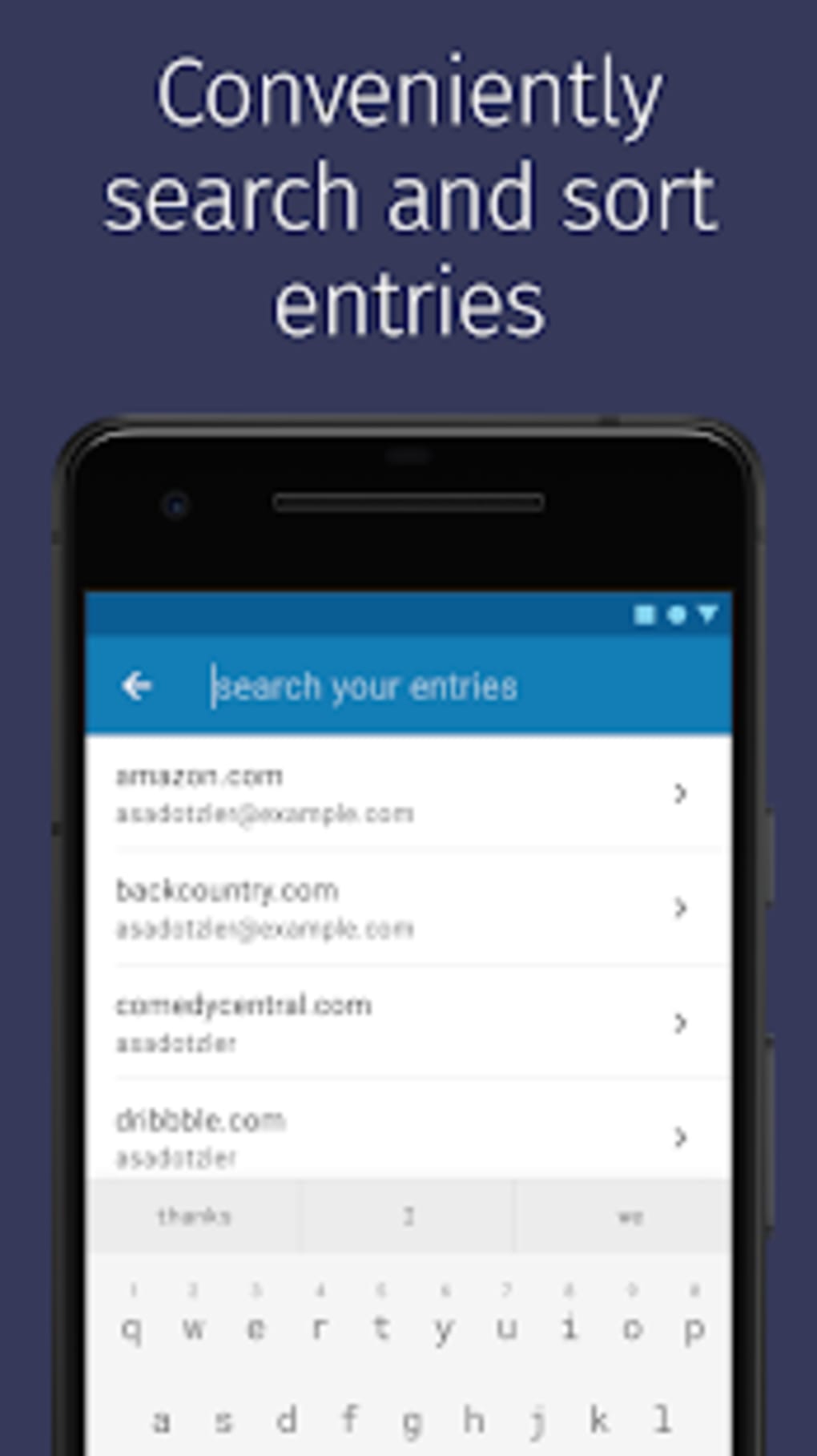
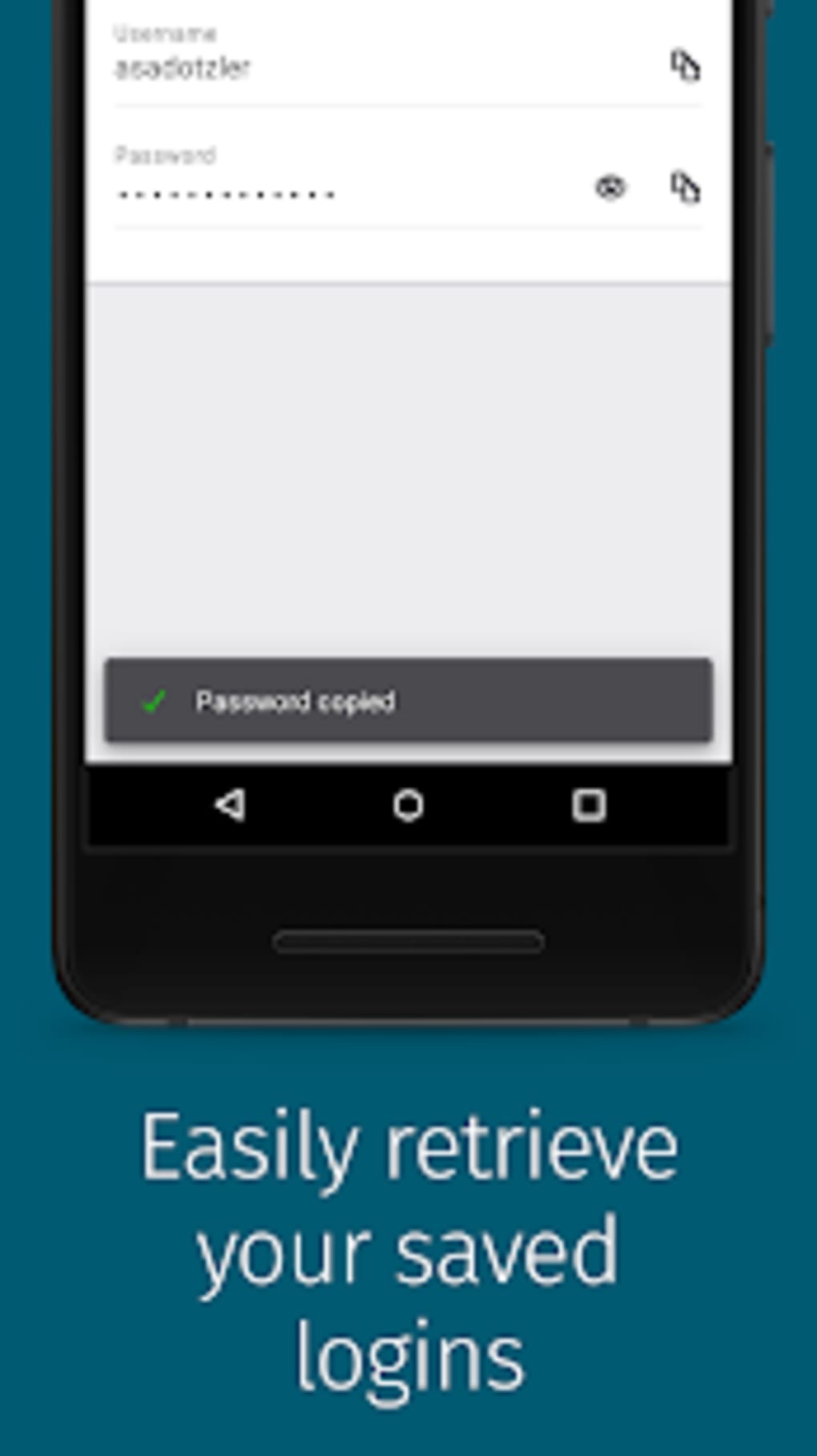
The user interface of Firefox Lockwise is designed with simplicity and functionality in mind, focusing on quick access to saved credentials. Navigation is intuitive, allowing users to view their stored passwords in a clean, categorized list. Each entry typically includes the website name, username, and a reveal button to display the password.
Workflow efficiency is high, as the app automatically syncs data after login and enables one-tap access to credentials. The integration with the Firefox browser ensures that changes made in one environment are reflected across others. However, performance details such as CPU usage, RAM consumption, or startup time were not specified by the developer.
Stability is expected to be consistent given the app’s integration with Firefox’s established sync infrastructure. Since the desktop version is not yet available, performance observations are based on general software behavior patterns for mobile applications of this type. The app is designed to operate smoothly in background processes without significantly impacting device performance.
Compatibility & System Requirements
Foxi Lockwise is currently available for iOS and Android operating systems. The software is designed to work with devices running the latest stable versions of these platforms. Installation size and hardware requirements were not specified by the developer.
Platform compatibility information is limited to mobile platforms. The desktop version has not yet been released, so users seeking a PC or Mac application will need to rely on alternative solutions. The developer did not provide additional system requirements or technical specifications.
Pros and Cons
Pros
- Seamless integration with Firefox browser for automatic password import
- Free to use with no hidden costs
- Strong security with biometric and PIN protection
- Supports cross-device sync across mobile platforms
- Includes password generation for enhanced security
Cons
- Desktop version not yet available
- Limited to mobile platforms only
- No detailed system requirements or performance metrics provided
- Dependent on Firefox account for access and sync
- Cannot import passwords from non-Firefox browsers
FAQ Section
Is Firefox Lockwise available for Windows or Mac?
The desktop version of Firefox Lockwise is not yet available. Users can currently access the app only on iOS and Android devices.
Can I use Firefox Lockwise without a Firefox account?
No. Access to Firefox Lockwise requires a Firefox account to sync and retrieve saved passwords from the browser.
Is Firefox Lockwise safe to use?
Yes, the application uses secure encryption and offers biometric or PIN protection to safeguard user data. It is designed to prevent unauthorized access to stored passwords.
Does Firefox Lockwise support password generation?
Yes, the app includes a built-in feature to generate strong, unique passwords for new accounts.
Can I use Firefox Lockwise offline?
While the app can display previously synced passwords offline, full functionality such as syncing and importing new passwords requires an active internet connection.
Final Thoughts
Foxi Lockwise offers a practical, secure solution for managing login credentials on mobile devices, especially for users already invested in the Firefox ecosystem. Its automatic import, biometric protection, and cross-device sync make it a reliable choice for individuals aiming to improve their online security without complexity. While the absence of a desktop version limits its utility for some users, the app remains a strong contender in the password management space for mobile users.
For those who prioritize privacy, ease of use, and seamless integration with Firefox, Firefox Lockwise delivers a compelling experience. The free model, combined with robust security features, makes it accessible and valuable for everyday users.
Download Firefox Lockwise now





.png)

